Hướng Dẫn
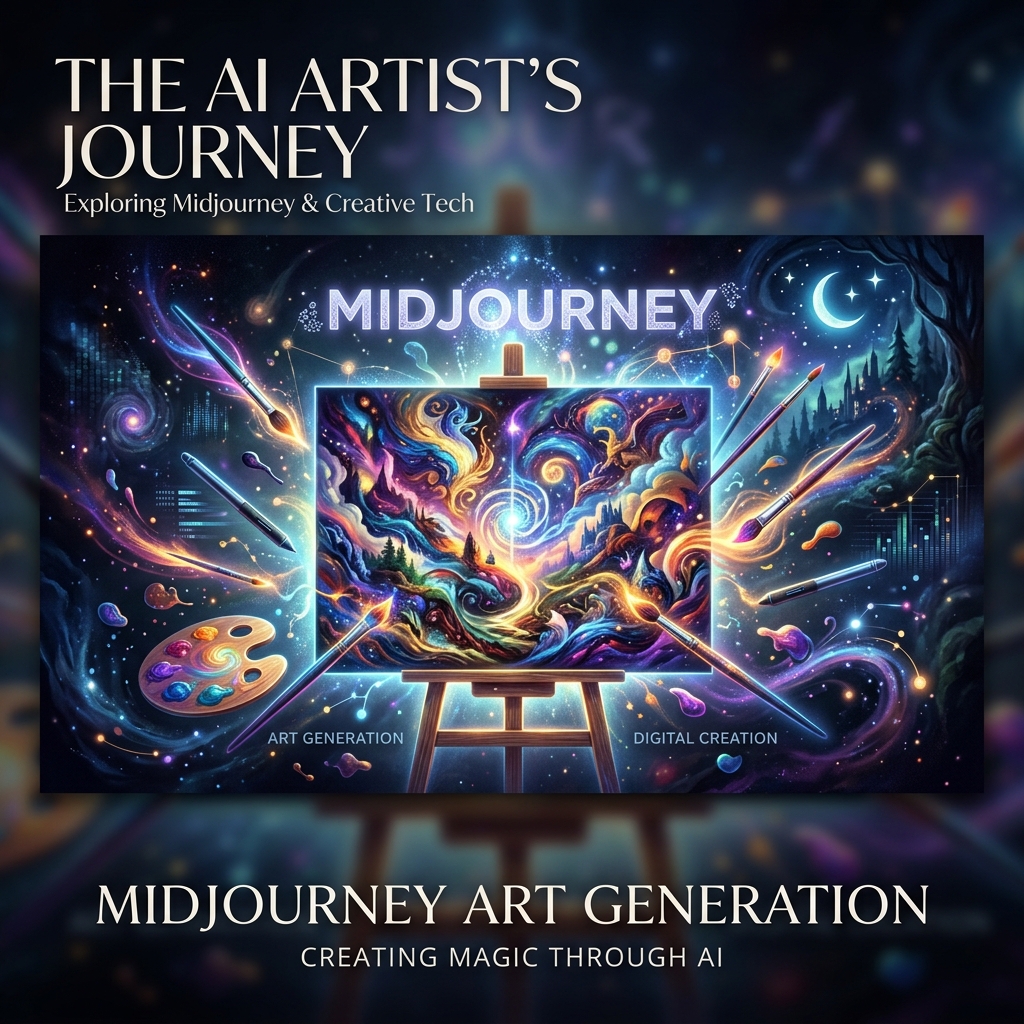
Writing Midjourney Prompts With an AI Agent: From v6 to the Latest Version
The structure of a Midjourney prompt, the key parameters, and how to have a ChatGPT, Gemini or Claude agent write prompts in batches for you.
Ông Chú MMO2 min readUpdated
Contents
Version Update
This post was first written for Midjourney v6. Midjourney released V7 in April 2025, so the content below has been updated: the way to write prompts and the main parameters still work, but check Midjourney's documentation for the exact version you are using.
Write Prompts in Natural Sentences
Since v6, Midjourney understands natural descriptive sentences better than strings of loose keywords. A good prompt usually has three parts:
- Subject: describe exactly what you want to create
- Setting: the space, the lighting, the time of day
- Style: the art style, camera angle, lens
#
Example
Instead of writing "beautiful girl, anime style, 4k", write: "A young woman with flowing silver hair stands at the edge of a cliff overlooking a vast ocean at sunset, anime art style, dramatic golden hour lighting, cinematic composition".
Hand Prompt Writing Off to an Agent
A ChatGPT, Gemini or Claude agent does the text part of the workflow well:
- Give the agent a product description or an idea and ask it to write 5 to 10 prompt variations using the three-part structure above
- Show the agent sample images you like so it can describe the style in words
- Have the agent build a prompt table for the whole batch, one row per aspect ratio and setting
You are still the one who runs the prompts, picks the images and is responsible for the rights to use them.
Key Parameters
#
Aspect Ratio (--ar)
- --ar 1:1: square images for avatars and social media
- --ar 16:9: banners, YouTube thumbnails
- --ar 9:16: Stories, TikTok, Reels
- --ar 3:2: posters, camera-style photos
#
Stylize (--s)
A low value keeps the image close to the prompt; a high value gives more creative images. Start around 100 and increase gradually.
#
Chaos (--c)
Raise chaos to make the four images in the grid differ more from one another, which works well when you are still exploring directions.
#
Excluding Elements and Keeping a Style
- --no to exclude elements you do not want
- --sref with a sample image to keep the style consistent across images
- --seed to recreate a nearly identical composition when needed
Text in Images
Put the text you want to appear in quotation marks right inside the prompt. Short text gives more stable results than long text, and always check the spelling on the image.
Tips From Ông Chú
- Save your good prompts as a library so the agent can use them as templates for the next batch
- Check hands, text and logos in the image before using it
- For product images, the product details must match the real item
- #Hướng Dẫn
Ông Chú MMO
AI Strategist & MMO Expert
Shares hands-on AI knowledge, operating workflows and practical takes for people working in MMO.
Comments
No comments yet.